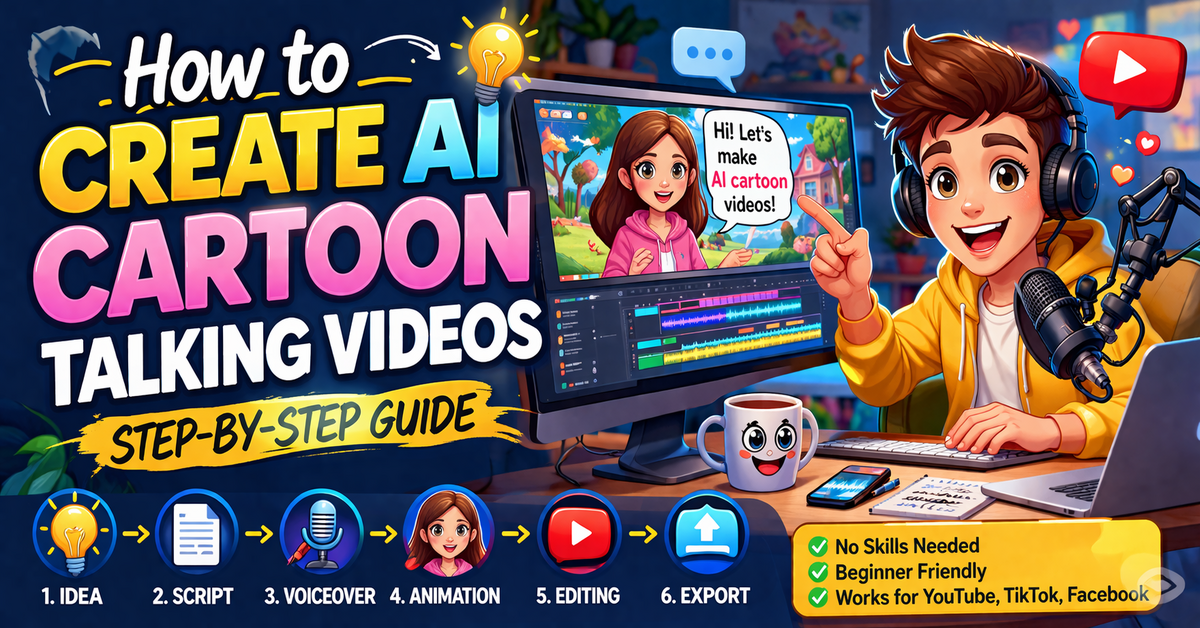
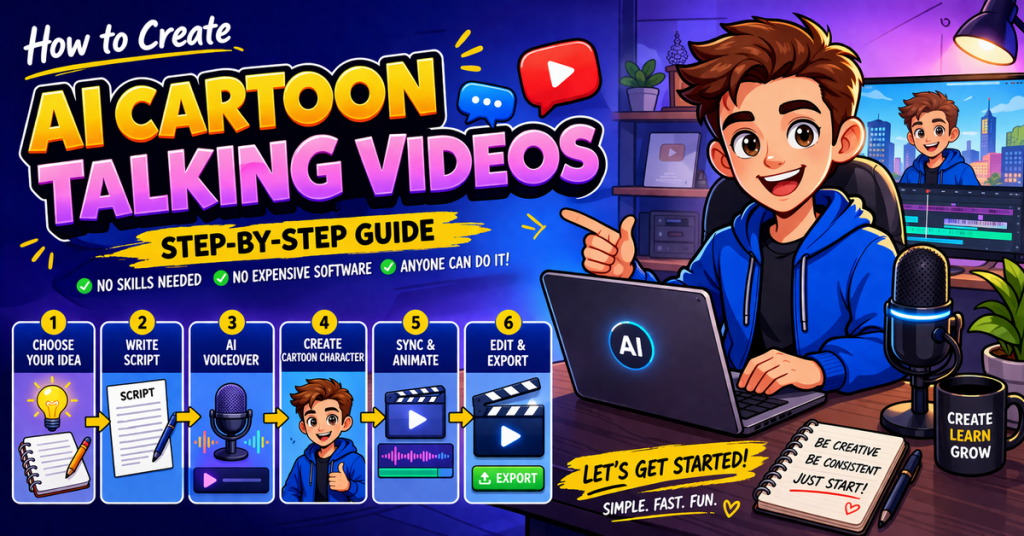
How to Create AI Cartoon Talking Videos 2026
Table of Contents
How to Create AI Cartoon Talking Videos (Step-by-Step Guide) 2026.
If you’ve spent even a little time on YouTube, TikTok, or Facebook lately, you’ve probably noticed a huge trend: animated cartoon characters that talk like real people. Some teach, some entertain, and some just tell stories—but almost all of them get views.
The best part? You don’t need animation skills, expensive software, or a big team to create these videos anymore. With the right AI tools and a simple process, anyone can do it—even beginners.
In this guide, I’ll walk you through exactly how to create AI cartoon talking videos step by step.
Step 1: Choose Your Video Idea
Before you jump into tools, you need a clear idea. This is where most people go wrong—they focus on the tech instead of the content.
Ask yourself:
- Will this video entertain or educate?
- Who is my target audience?
- Is this idea trending or searchable?
Some popular niches include:
- Funny storytelling videos
- Motivational talks
- Kids’ educational content
- AI news explained simply
- Relationship or life advice
Keep your idea simple at first. One strong idea is better than ten random ones.
Step 2: Write a Natural Script
Your script is the backbone of your video. Even if your animation looks amazing, a boring script will fail.
Here’s how to write a good one:
- Start with a hook (first 3–5 seconds matter most)
- Use simple, conversational language
- Keep sentences short
- Add emotion (funny, curious, shocking)
Example hook:
“Have you ever wondered how people are making money with cartoon videos without showing their face?”
Aim for 60–120 seconds for short-form platforms like TikTok or YouTube Shorts.
Step 3: Convert Text to Voice (AI Voiceover)
Now turn your script into a voice.
You can use AI voice generators that sound very realistic. When choosing a voice:
- Pick a tone that matches your content (funny, serious, storytelling)
- Avoid robotic-sounding voices
- Adjust speed slightly (1.0–1.1x usually works best)
Pro tip: Add pauses between sentences to make it sound more human.
Download the audio file once you’re happy with it.
Step 4: Create Your AI Cartoon Character
This is where the magic happens.
There are AI tools that let you:
- Choose a cartoon avatar
- Customize face, style, and, clothes
- Animate lip-sync automatically
Pick a character that fits your niche:
- Kids content → colorful, friendly character
- Motivation → clean, confident look
- Comedy → exaggerated expressions
Don’t overthink it. Consistency matters more than perfection. Use the same character across videos to build a brand.
Step 5: Sync Voice with Animation
Upload your voiceover into your animation tool. Most AI platforms will automatically:
- Sync lips with speech
- Add facial expressions
- Generate natural movements
Watch the preview carefully. If something feels off:
- Adjust timing
- Re-upload cleaner audio
- Try a different voice tone
This step usually takes just a few minutes, but it makes a big difference in quality.
Step 6: Add Backgrounds and Visual Elements
A talking character alone is not enough—you need visuals to keep people watching.
You can add:
- Background scenes (room, office, street, etc.)
- Stock images or clips
- Text highlights (important words)
- Emojis or icons
Make sure visuals match what the character is saying. This improves viewer retention.
Example:
If your character says “making money online,” show money icons or a laptop.
Step 7: Edit Your Video
Now bring everything together using a simple video editor.
Focus on:
- Cutting unnecessary pauses
- Adding subtitles (very important for engagement)
- Including background music (low volume)
- Using quick transitions
Subtitles are especially powerful. Many people watch videos without sound, so captions help keep them engaged.
Step 8: Optimize for Social Media
Different platforms have slightly different styles, but here are general tips:
For TikTok & YouTube Shorts:
- Keep videos under 60 seconds
- Use vertical format (9:16)
- Start strong within 3 seconds
For Facebook:
- Slightly longer videos work (1–3 minutes)
- Focus on storytelling
Also, don’t forget:
- Catchy title
- Relevant hashtags
- Engaging thumbnail (for YouTube)
Step 9: Stay Consistent
One video won’t change everything. The creators you see going viral are posting consistently.
Try this plan:
- 1–2 videos per day (if possible)
- Or at least 4–5 per week
Over time, you’ll learn:
- What works
- What gets views
- What your audience likes
Consistency beats perfection every time.
Final Thoughts
Creating AI cartoon talking videos might sound complicated at first, but once you try it, you’ll realize how simple it actually is. The tools do most of the heavy lifting—you just need a good idea and a bit of creativity.
If you focus on engaging content, clear audio, and consistent posting, you can grow fast on platforms like YouTube, TikTok, and Facebook.
And yes—this type of content can definitely make money through ads, brand deals, and even affiliate marketing. But the real key is value. If your videos entertain or help people, the growth will follow.
Start simple. Improve with each video. And most importantly—just start.
Explore More: How to Use ChatGPT Image 1.5: Step-by-Step Tutorial for Beginners